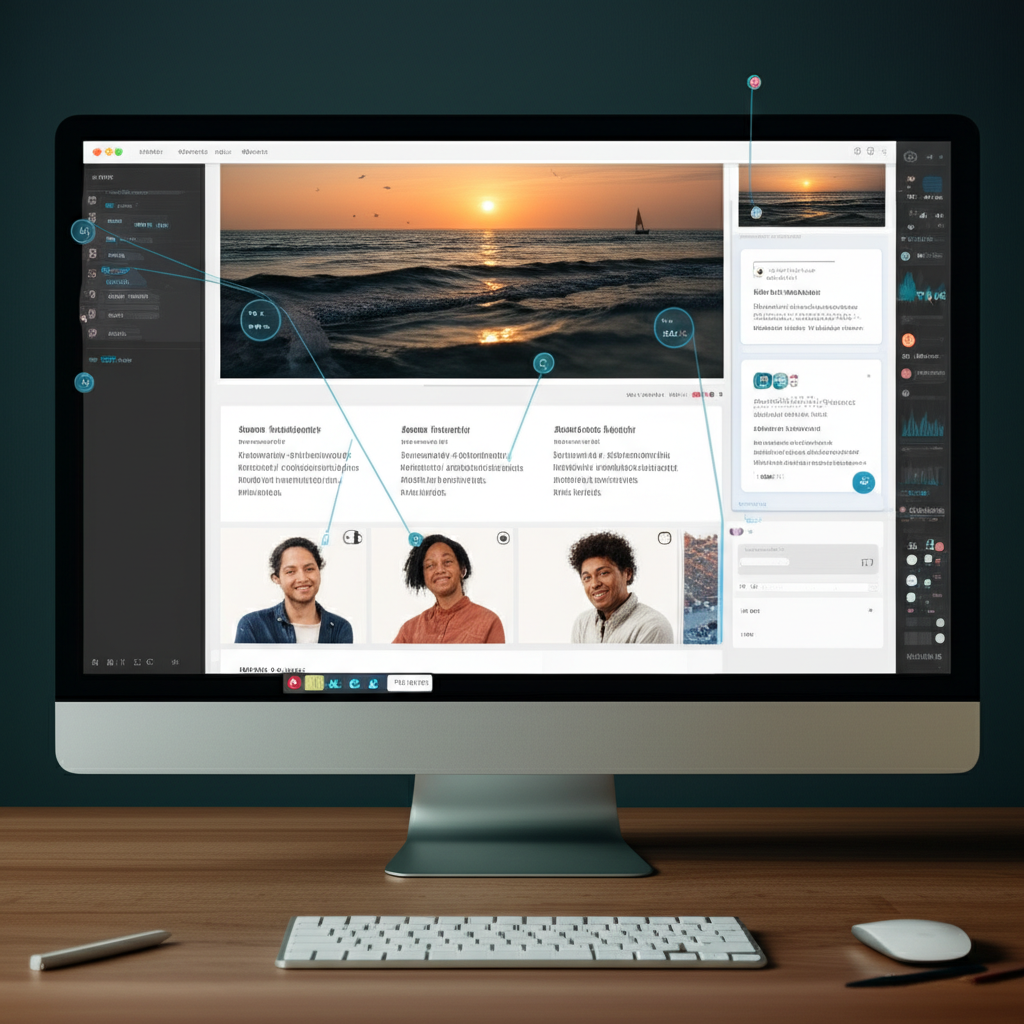
Learn about our new real-time collaboration features that make team feedback easier than ever before. We've completely redesigned the experience to make it more intuitive and powerful.
Introduction
Real-time collaboration has become an essential part of modern design workflows. With our latest update, we're bringing real-time collaboration to Magic Markup, allowing teams to work together seamlessly on website feedback.
This update represents months of research and development based on feedback from our users. We've focused on creating a collaborative experience that feels natural and doesn't get in the way of your creative process.
Key Features
Our new real-time collaboration features include:
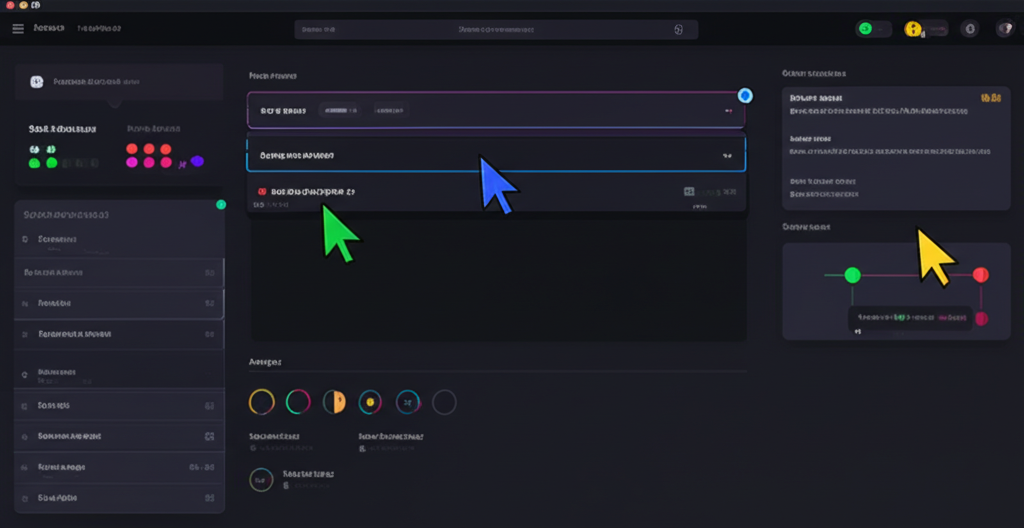
- Live cursor tracking to see where team members are focusing
- Instant updates when annotations are added or modified
- Real-time chat for discussing specific elements
- Presence indicators showing who's currently viewing the project
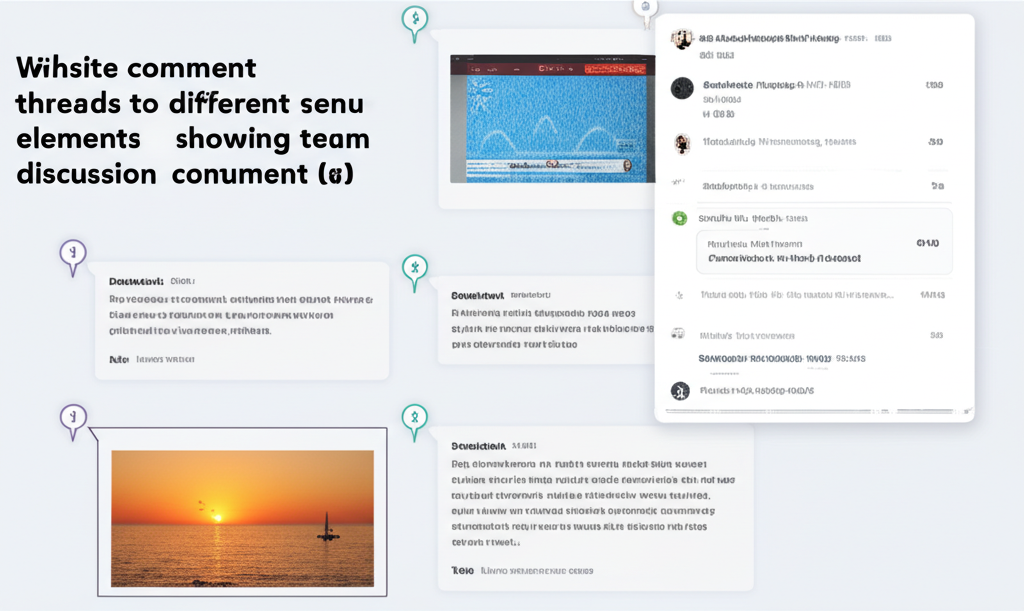
- Comment threads for in-depth discussions about specific elements
- Notification system to keep everyone updated on changes
"The real-time collaboration feature has completely transformed how our team provides feedback. What used to take days of back-and-forth now happens in minutes."
— Sarah Johnson, Product Manager at TechCorp
How It Works
When multiple team members open the same project, they'll automatically see each other's cursors and any changes made in real-time. This eliminates the need for screen sharing or sending screenshots back and forth.
The real-time chat feature allows for contextual discussions right within the tool, keeping all feedback in one place and reducing the need for separate communication channels.
Technical Implementation
We've built this feature using WebSockets for real-time communication and a custom conflict resolution system to ensure that multiple people can work on the same project without overwriting each other's changes.
// Example of our real-time sync implementation
const syncChanges = (changes) => {
  socket.emit('project:update', {
    projectId,
    changes,
    userId,
    timestamp: Date.now()
  });
};
Getting Started
To start using the new real-time collaboration features, simply invite team members to your project using the "Share" button in the top right corner of the project view.
We're excited to see how these new features will help teams work more efficiently and deliver better results.
Future Plans
This is just the beginning of our collaboration features. In the coming months, we'll be adding:
- Video conferencing directly within the tool
- Advanced permissions and role management
- Integration with popular project management tools
- AI-assisted feedback suggestions
Stay tuned for more updates as we continue to improve the collaborative experience in Magic Markup.
Jane Smith
Product Manager
Jane is a product manager with over 10 years of experience in the design tools industry. She's passionate about creating tools that help teams work better together.